FREE VIDEO & PHOTO ROTATION
Rotate it.
Keep it yours.
Fix a sideways video or photo.
Your files stay right here, on your device.
No upload. No account.
No watermark. Just upright.
A little turn.
A better view.
or drop your file here
MP4, MOV, WebM, JPG, PNG and more
LESS FUSS. MORE FINISHED.
Three steps. Zero uploads.
- 01
Pick your file
Open a video or photo from your device. Nothing is sent to a server.
- 02
Find your angle
Rotate left, right, or upside down. Try automatic detection if you need a second opinion.
- 03
Keep the good copy
Preview the result, then save it. Your original file stays unchanged.
KEEP A USEFUL NOTE
A few turns worth knowing.
PRIVATE SHOULD BE PRACTICAL.
Your memories are yours.
Family clips. Work footage. That one holiday video.
We do not need to see any of it to help you fix it.
A FEW THINGS TO KNOW
Good questions.
Straight answers.
How do I rotate a video online?
Choose your video, turn it left or right, and save an upright copy. All processing happens in your browser.
Is it really free?
Yes. There are no accounts, watermarks, or paid exports. Your device does the processing, which keeps our costs small.
Does it work on my phone?
Photos work in modern browsers. Video export depends on the codecs your browser supports. Recent Chrome, Edge, and Safari are good starting points. Large videos need more memory.
Will video quality or sound change?
Picture rotation encodes the video again and can change its quality. The fast orientation option preserves the encoded picture when possible, but some players ignore orientation data. We stop the export if a track cannot be preserved.
What does automatic detection do?
The open RightWayUp Pico model from ORTUS AI estimates the orientation of a photo or sampled video frames. It can be uncertain or wrong. Check the preview before saving. It suggests quarter-turn corrections, not continuous video stabilization.
How big can my file be?
This version accepts files up to 500 MB. Export uses your device's memory. A smaller file can still fail if your browser lacks enough memory or codec support.
What data does the website receive?
Your media stays local. The server receives normal page and asset requests, which can include your IP address. Google receives requests for its AdSense verification script. See our privacy notice. Automatic detection downloads its model from this website.
A NOTE FROM THE BUILDER
Useful things, made to be used.
I am Linh Ngo, a Colorado-based developer and the founder of XP.COM, LLC. I have shipped games since 2011, starting with Dangerous, a space adventure for phones and computers.
I made RightWayUp to keep a small task simple: turn your clip, keep your privacy, and get on with your day. I also build UNCEN.AI and IndiePrime. More at linh.com ↗.
Meet Linh and explore his work ↗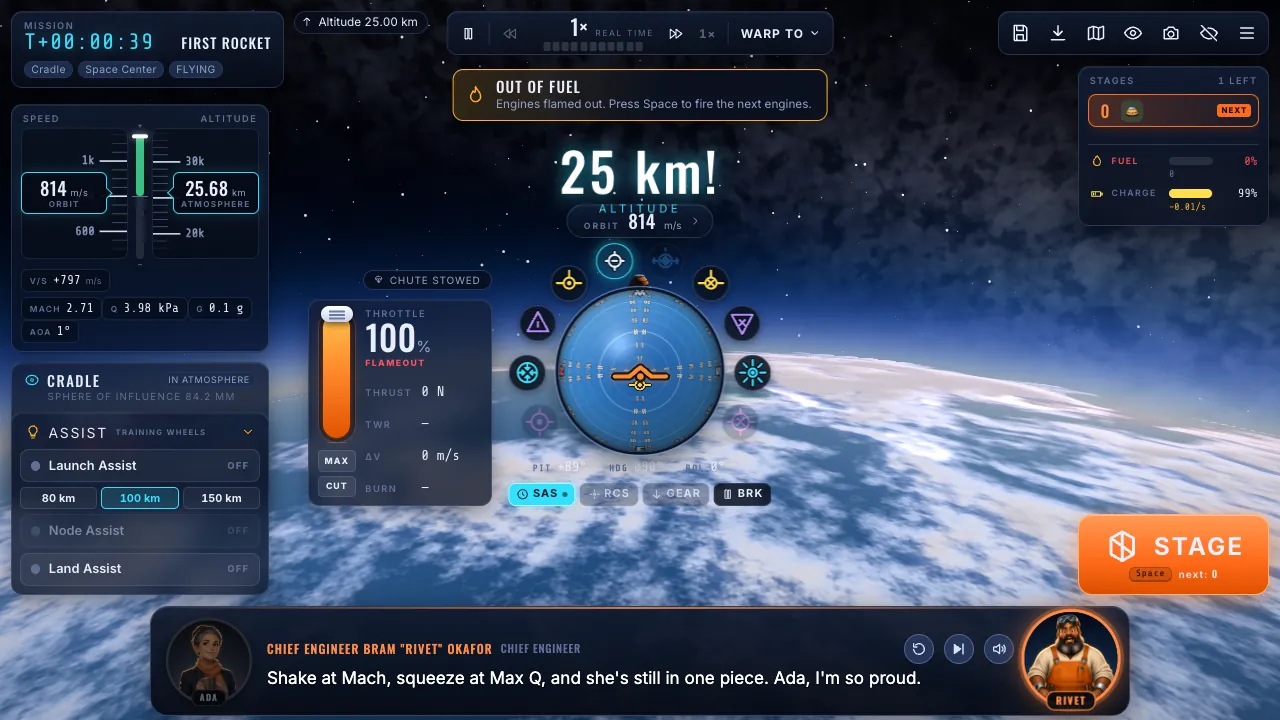
SOMETHING I MADE FOR THE FUN OF IT
Next stop: orbit.
Build a rocket. Learn what makes it fly. Fast Rocket is my spaceflight game for curious minds.
Take a look at Fast Rocket ↗IF YOU HAVE A MINUTE MORE
KEEP IT HANDY
A little tool on your home screen.
On Android or a computer, use your browser's Install option. On iPhone or iPad, open Safari, tap Share, then Add to Home Screen. Open detection once before going offline.